
100% local · no uploads
Clean up your photo library.
Sort through similar photos, screenshots, and Live Photos faster — right on your iPhone, with a swipe.
Swipe Mode is free forever. PhotoVoid Full: try it free for 3 days, then a one-time purchase — no subscription.
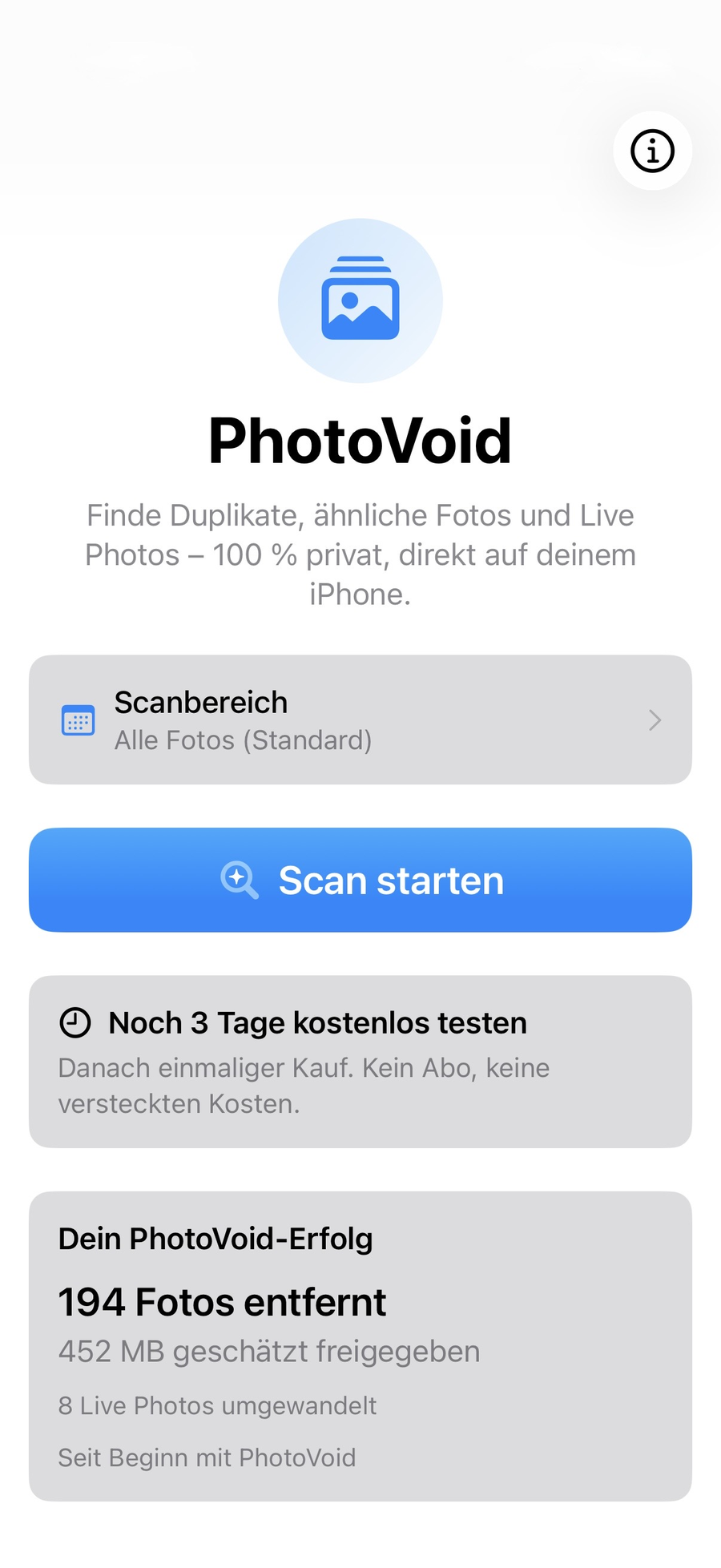
Everything you need to clean up your photo library.
Similar Photos
Automatically detects similar shots and burst sequences, and recommends which ones to keep — with PhotoVoid Full.
Swipe to clean up
Decide in full screen with a swipe what stays and what goes — with monthly and yearly progress. Free forever.
Live Photos & Screenshots
Dedicated, sortable views for Live Photos and screenshots — with multi-select and full-screen viewing. With PhotoVoid Full.
Choose a time range
Scan by year, month, or a custom date range.
Free up storage
See how much storage you could free up.
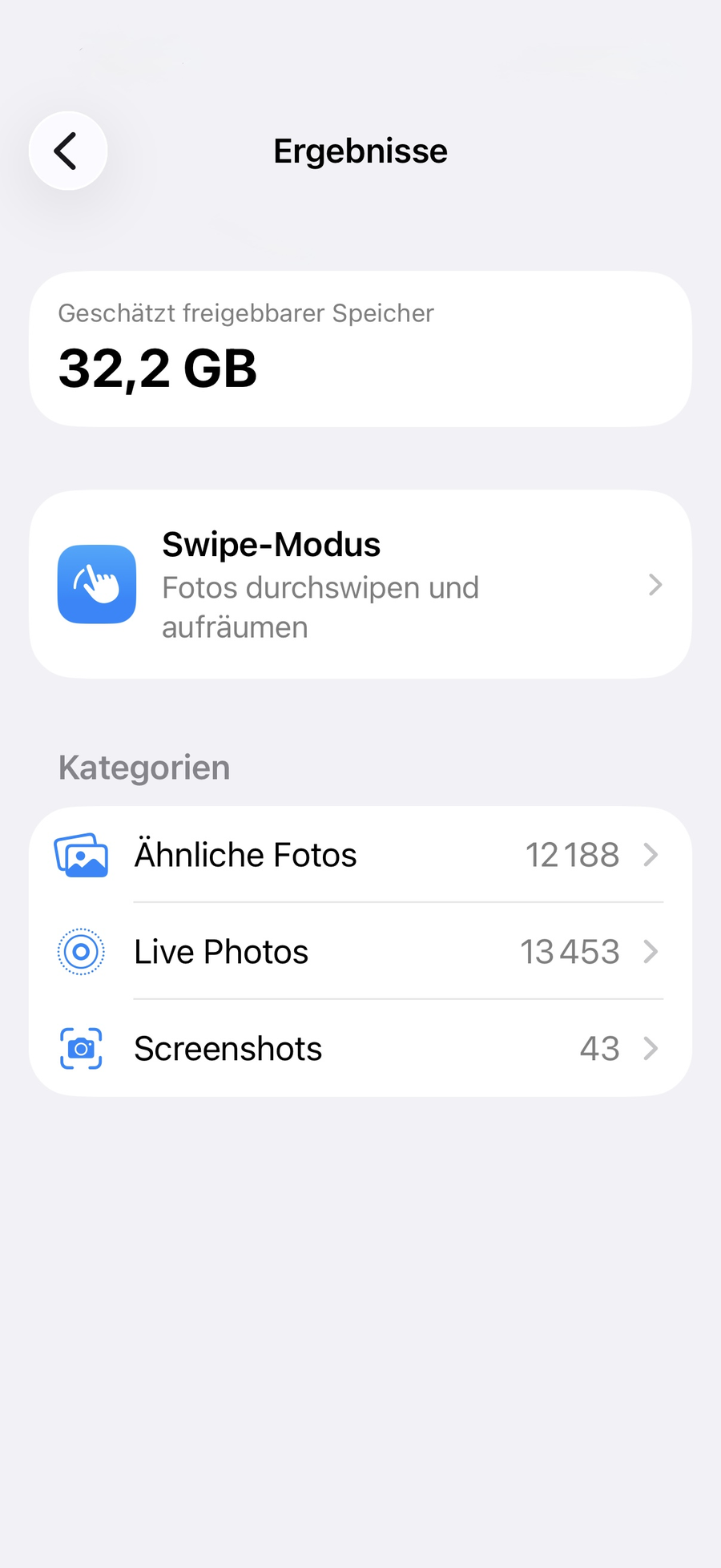
See at a glance where your storage is going.
After scanning, you get an estimate of the storage you could free up, plus quick access to Swipe Mode and the Similar Photos, Live Photos, and Screenshots categories.
Not your average cleaner.
100% local
The entire analysis runs on your iPhone. No uploads, no cloud.
One-time purchase
No subscription, no recurring costs. Pay once, use forever.
Just the essentials
No ads, no clutter, no forced account.
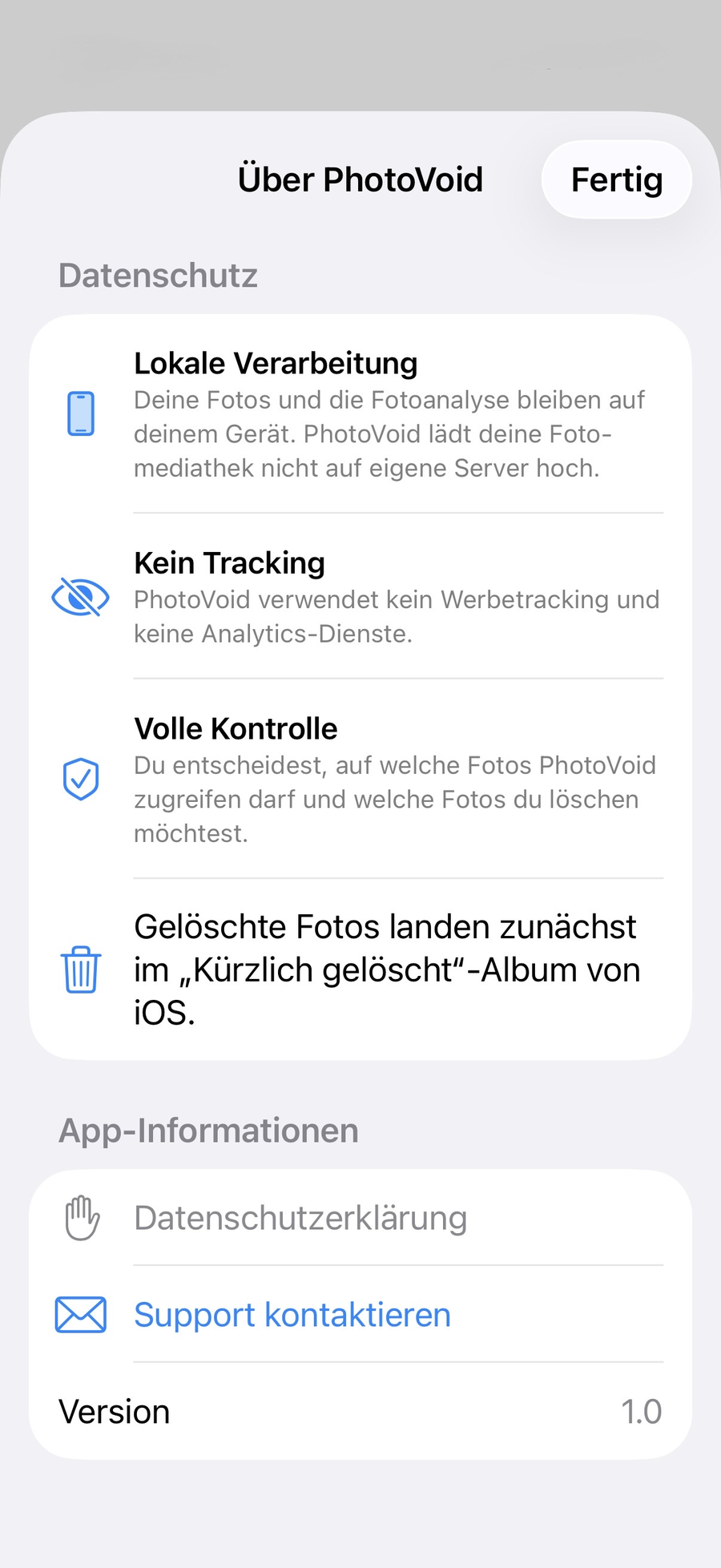
No uploads. No tracking. No account.
How it works.
Scan
PhotoVoid searches your photo library for similar photos.
Compare
See the photos in a group side by side, with a recommendation for which one to keep.
Decide
Swipe to keep or delete — as fast as you like.
Done
Deleted photos first go to iOS's “Recently Deleted” album.
Frequently asked questions.
Are my photos uploaded anywhere?
No. The entire analysis runs exclusively on your iPhone, via Apple's Photos framework. Not a single photo ever leaves your device.
What happens to deleted photos?
They first go to iOS's “Recently Deleted” album, where they're automatically removed for good after 30 days. Until then, you can restore them at any time.
Is PhotoVoid free?
Yes. Swipe Mode — manually swiping through and tidying up your photos — is free forever, with no limits. You can also try PhotoVoid Full free for 3 days: automatic detection of similar photos, Live Photos, and screenshots.
What happens to my Live Photos?
PhotoVoid can convert them into space-saving still photos if you want. You decide for each photo before anything changes.
Which devices are supported?
PhotoVoid runs on any iPhone with iOS 17 or later.
Which languages is the app available in?
German, English, French, Spanish, Italian, Croatian, and Dutch.
What happens after the 3 days?
Swipe Mode stays free forever. Similar Photos, Live Photos, and Screenshots then need PhotoVoid Full — a one-time purchase via Apple's StoreKit, no subscription.
Ready for a tidy photo library?
Swipe Mode is free forever. PhotoVoid Full: try it free for 3 days, then a one-time purchase — no subscription.